PDFCheck gave guests 100 free checks a day. Now it gives one.
Until 18 November anyone could run 100 PDF checks a day on PDFCheck without an account. What six weeks of uploads and two weeks of server logs showed, why one free file is the right trial for this tool, how I tested a limit of one, and who loses out.
 Aimantas · Product builder

- Visitors
- 695 Last 24 hours
- Revenue
- — Not split by project yet
The short version
- Until 18 November a guest could run 100 checks a day on PDFCheck, counted per browser session. Now a guest gets one file across the website, API and MCP, and the second upload returns a signup link.
- Six weeks of scanner records held 24,508 uploads: 216 blocked and deleted, about a quarter flagged for ordinary features like links. The bots in the server logs never touched the upload form.
- The scanner and Turnstile judge files and browsers. Only the allowance decides how much work I do for someone I can't count. I haven't measured the effect on signups yet.
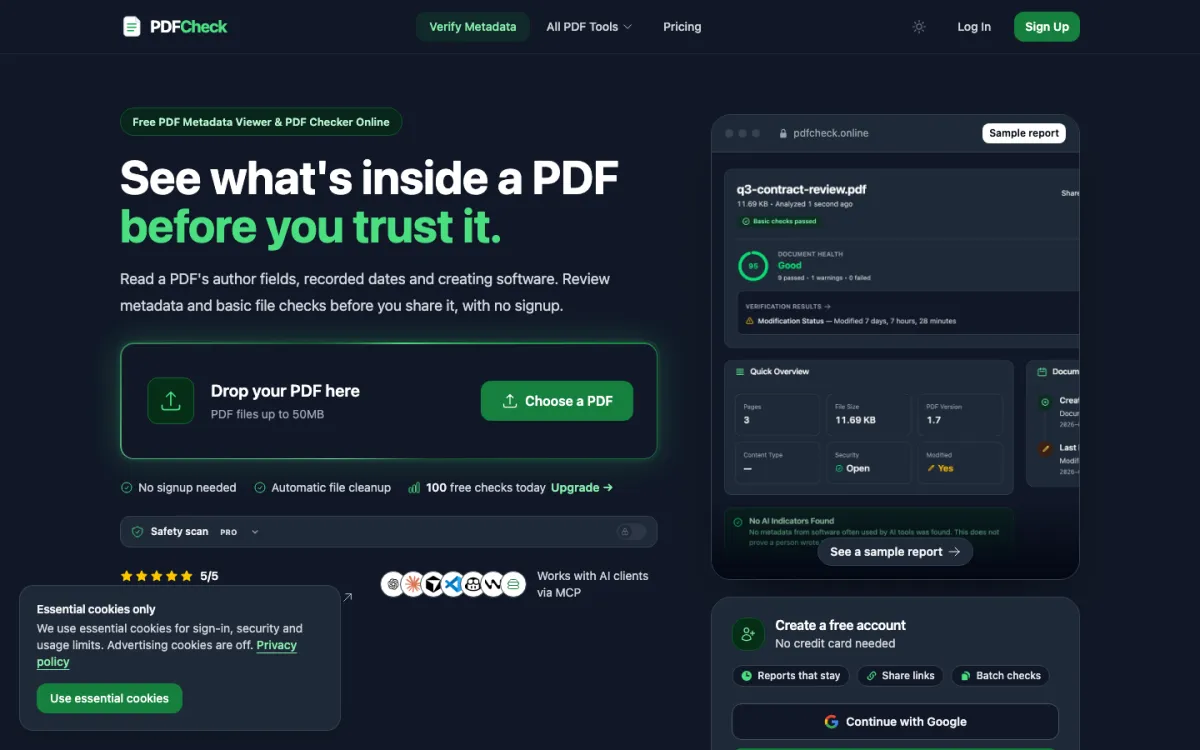
Until 18 November, anyone could run 100 checks a day on PDFCheck without an account. The footer said so in four words: 100 Free Checks Daily. Now a guest gets one file, and the second upload comes back with a signup link.
Nothing in the records I could read showed a break-in. I made the change after looking at six weeks of uploads from the server's side and asking which part of the system had no ceiling.
What arrives when the upload box is free
PDFCheck's scanner kept a decision for every upload between 20 June and 31 July. There were 24,508 of them.
The 216 blocks were specific. In 209 files, JavaScript sat next to an instruction to act as soon as the document opens. The other seven carried a launch action, which asks the reader's software to open another program or file.
The 6,488 flags needed more care. The scanner flags links, attached files, forms and scripts, so an invoice with a payment link would get flagged alongside something nastier. A flag describes the file and says nothing about the person who sent it, so these numbers can't become a count of attackers.
We kept those totals and deleted the 24,508 records after the review. They described other people's files, and the totals were all I needed.
The bots never touched the upload form
The web server's error logs from 4 to 18 November showed a different crowd. There were 2,175 requests for configuration files and source repositories, the things a careless deploy leaves lying around. The server refused 2,161 and couldn't find the other 14.
Another 209 asked for WordPress files. PDFCheck runs on Laravel, so every one of them landed on a missing page. Somebody's script went shopping without checking which shop it was in.
None of those requests needed an upload button, and a CAPTCHA on the form would have made no difference to them. The server's own rules turned them away.
The biggest thing I deleted that afternoon wasn't a PDF either. The server's disk was 98% full, and 13 GB of it was a package manager's download cache. Clearing it brought the disk down to 81%.
Each protection answers one question
Reading the logs this way made it easier to say what each protection is for.
The scanner
Is this file asking a reader to run something? It blocks scripts set to run on open, and launch actions.
Turnstile
Is a real browser filling in this form? It guards the browser upload and signup forms.
The allowance
How much reading do I owe someone I can't count? Before 18 November the answer was 100 files a day for every new browser session.
Every upload asks my server to open a stranger's file and read all of it. Small doesn't mean cheap. In the same week's testing, a file of about 200 KB ran one of the checkers out of memory. That one's fixed now.
The old rule counted guests per browser session, and a new session started a fresh 100. The scanner would still judge each file and Turnstile would still check the browser. Nothing in the system said how much was enough.
Why one
The person PDFCheck is built for arrives with one document and one question: who made this, and when did it change? One file answers that with no form in the way. I don't want to lose someone whose question takes ten seconds because I asked for an email first.
The second file is where a visitor becomes a regular. That's a fair moment to ask for an email, because the account gives something back: saved reports, links to share them and several PDFs checked at once. It also gives me a count and a ceiling.
Before 18 Nov
- Guests: 100 checks a day, counted per browser session
- Free accounts: 100 checks a day
- Anonymous API calls: 10 a day per IP address, on a separate counter
- Multi-file uploads didn't always count every file
After
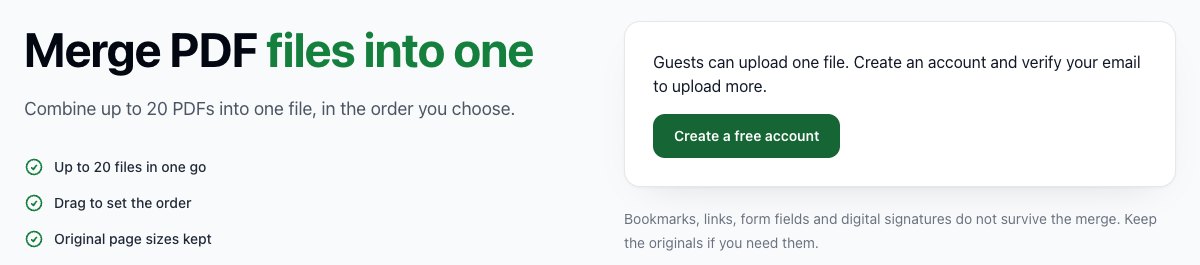
- Guests: one file, shared by the website, the API and the MCP server for AI agents
- Free accounts: 100 files a month after email verification
- Every file counts, so comparing two PDFs uses two
- Paid plans and bought credits unchanged
Testing the number one
A limit of one sounds like the easiest rule in the codebase. It's also an easy one to get wrong. If two uploads arrive in the same instant, both can read "one left" before either writes "none left".
So the test fires eight requests at the last free slot at once. One gets through and seven are refused, for guests and for accounts. On the live site, the first guest upload worked and the second came back as HTTP 429 with the signup link.
A test against the production database, rolled back afterwards, covered accounts. An unverified account was refused, file 100 went through after verification and file 101 didn't.
If you're adding a trial limit to your own upload tool, this is the list I'd start from:
- Keep one counter that the website, the API and any agent tools all share.
- Reserve the slot before reading the file, and give it back if the file can't be read.
- Count files, not clicks.
- Send several requests at the last slot together and check that exactly one wins.
- Put the remaining count and the signup link right next to the upload button.
What one costs
Free accounts lost the most. They went from 100 checks a day to 100 files a month, which is a real cut for anyone who used PDFCheck as a daily batch tool.
The guest file is shared by everyone on a connection, so two people in the same office can look like one visitor. One of them may meet the signup prompt on their first visit. Email verification is also a new place for someone to give up.
I don't know yet whether one is the right number. I'll judge it on how many guests get their first result and how many who hit the limit finish verifying, and I don't have either number yet.
Where it stands 18 November 2026
Done
- One guest file across website, API and MCP, live 18 Nov
- 100 files a month after email verification; file 101 refused in a production test
- Eight simultaneous requests for the last slot: one admitted
Not done
- No before-and-after numbers for first results or signups yet
- People on one connection share a single guest file
- Free accounts dropped from 100 checks a day to 100 files a month
Next
Watch how many guests get a first result and how many who hit the limit finish verifying, then decide whether one is still the right number.
Sources7 references
- PDFCheck upload scanner, 20 June to 31 July 2026, reviewed as totals on 18 November 2026: 24,508 submissions; 17,804 skipped or clean, 6,488 flagged, 216 blocked (209 with JavaScript and document-open markers, 7 with launch-action markers). Flag markers can overlap. The records were deleted after the review; only these totals remain.
- PDFCheck web server error logs, 4 to 18 November 2026, counted by request path only: 2,175 requests for configuration or source repository files (2,161 forbidden, 14 not found) and 209 requests for WordPress files (all not found).
- Allowance before 18 November, from the site's code and its footer line "100 Free Checks Daily": 100 checks a day for guests (counted per browser session) and for free accounts; 10 analyses a day per IP address for anonymous API calls.
- Release of 18 November 2026: one guest file shared by the website, REST API and MCP; 100 files per UTC calendar month for a verified free account; every file in a batch counts. Same-day production checks: the second guest upload returned HTTP 429 with a signup link; in a rolled-back database test an unverified account was refused, file 100 was accepted and file 101 refused. Local test: eight concurrent requests for one remaining slot admitted one, for guests and for accounts.
- Server disk, 18 November 2026: 98% used before cleanup; the package manager's download cache held 13,031,485,440 bytes; 81% used after clearing it.
- Memory test, week of 16 November 2026: a synthetic file of about 209 KB exhausted a 512 MB request in one checker before a fix that is now deployed.
- Cloudflare documents how a server validates a Turnstile response: Turnstile server-side validation.
Keep reading
All 20 articles →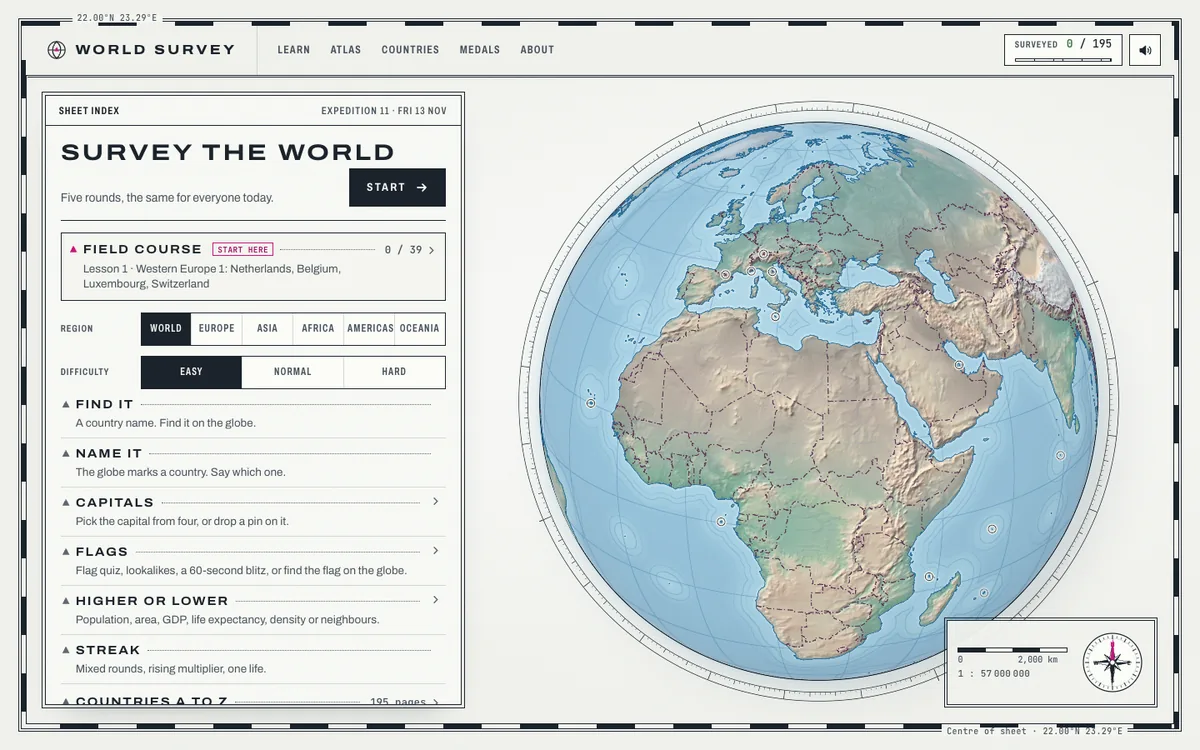
Newer
World Survey is open source. Fork my 3D geography game
I put the whole of World Survey on GitHub: the web game, the iPhone app now in TestFlight, the data pipeline and the page generator. How to make your own map game from it, what the licences allow, a first week where ChatGPT sent more visitors than Google, and a preview of the iPhone app I'd like your feedback on.
18 November 2026Read →

Older
Opus 5.5 vs ChatGPT 6.2 Sol: Opus wins the PDFCheck redesign
6.2 Sol made the better-looking homepage in about 35 minutes. It also changed what the product promises and cut most of the page, so Opus 5.5 wins 3 to 1. Astra is next on the same scorecard.
18 November 2026Read →
More on PDFCheck.online
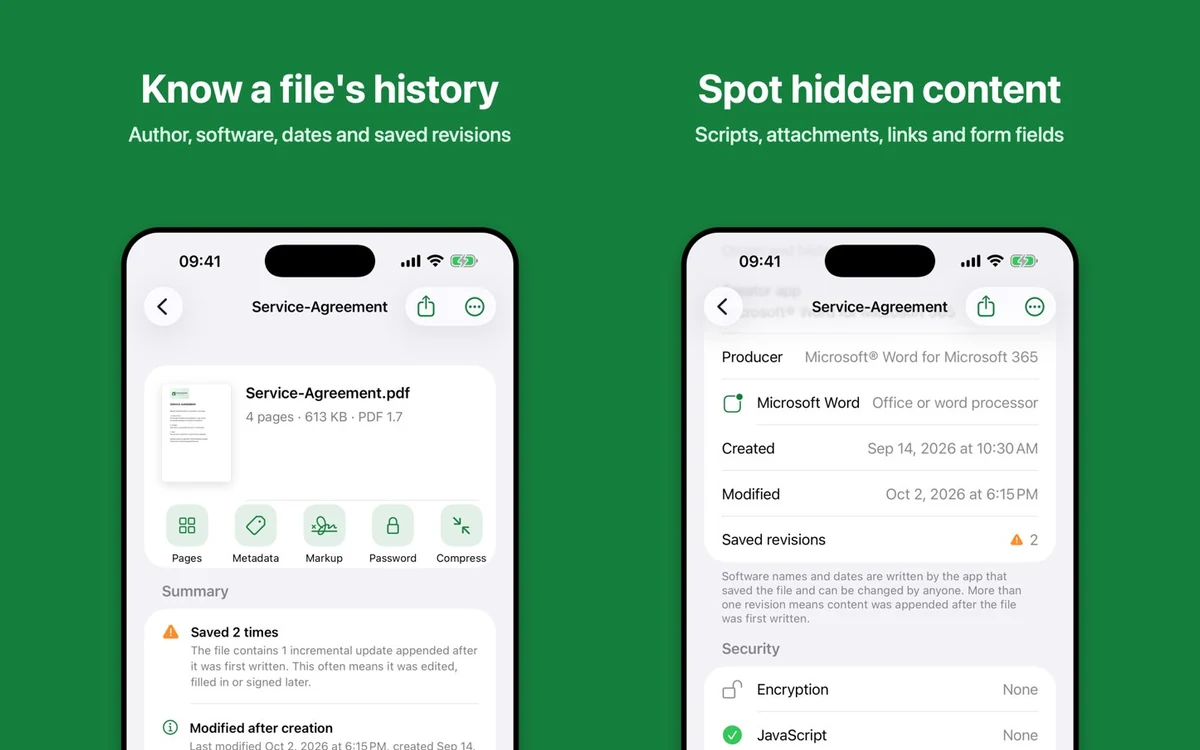
PDFCheck for iPhone is live: 8 hours in the queue, 26 minutes of App Store review
My first iPhone app went from submit to approved in 8 hours 33 minutes, on the first try. The exact status timings, what I gave the reviewer, the month it sat before submission, and the checklist I'd reuse.
14 November 2026Read →